ArchiveKit



Sicherung der Social-Media-Seite
Speichern Sie ganze Social-Media-Seiten, bevor Inhalte bearbeitet oder entfernt werden.
All-in-One-Webarchivierung: Erfassen, organisieren und durchsuchen Sie voll funktionsfähige Webseiten, wobei jedes Detail für den jederzeitigen Zugriff erhalten bleibt.
Alles, was Sie benötigen, um Webseiten präzise, schnell und einfach zu erfassen, zu organisieren und zu durchsuchen.
Mit ArchiveKits Massenimport von URLs wird das Speichern großer Webseitenmengen so einfach wie nie zuvor. Fügen Sie einfach Seitenlinks ein und archivieren Sie diese automatisch in einem einzigen Arbeitsablauf.

Speichern Sie komplette Webseiten genau so, wie sie online erscheinen – inklusive Bilder, Layout und Inhalt. ArchiveKit macht die Archivierung ganzer Webseiten schnell und einfach.
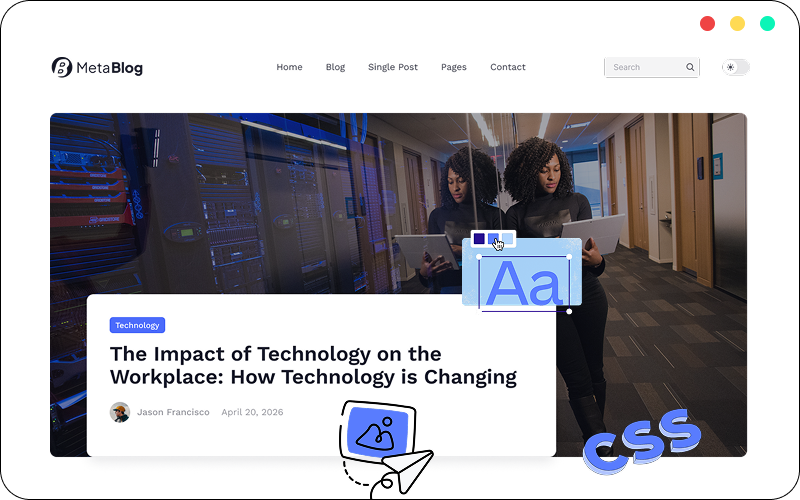
ArchiveKit geht über die statische Seitenerfassung hinaus – es bewahrt dynamische und interaktive Inhalte als Teil der archivierten Webseite.
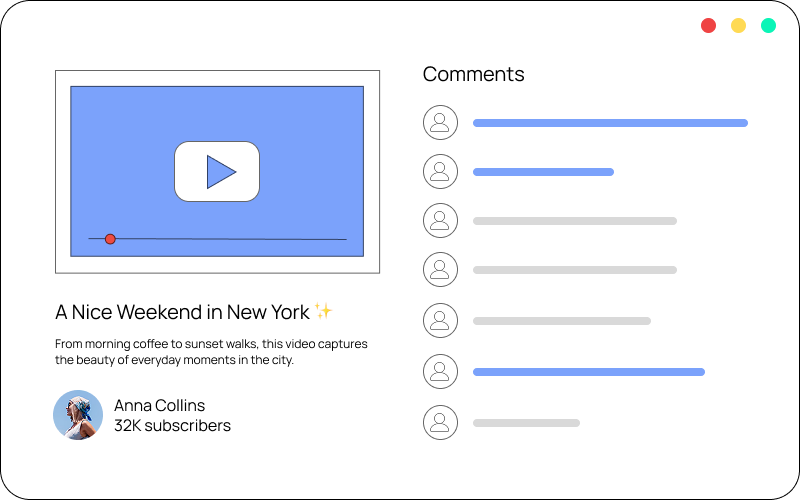
Mit dem Hervorhebungstool von ArchiveKit können Sie wichtige Inhalte schnell identifizieren und Ihre gespeicherten Webseiten übersichtlich, lesbar und leicht wiederfindbar halten.

Beseitigen Sie Ablenkungen und verwandeln Sie Webseiten in übersichtliche, gut lesbare Layouts zum konzentrierten Lesen, Markieren und Archivieren.

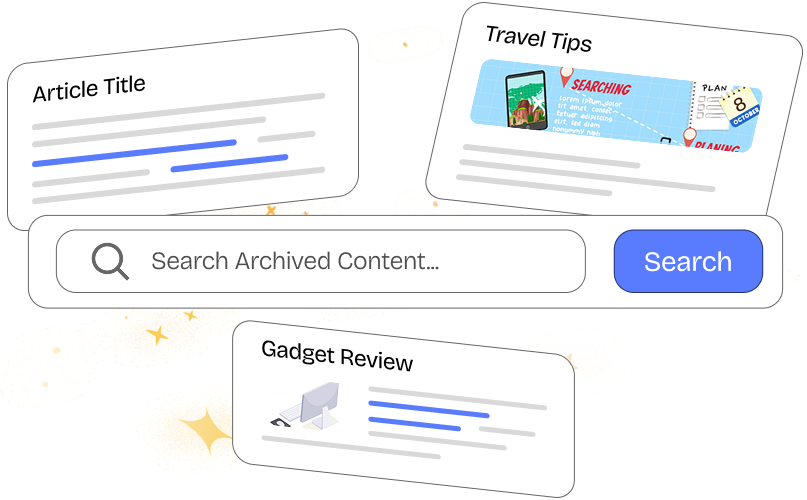
Finden Sie gespeicherte Seiten schnell und einfach per Stichwortsuche in Titeln und Seiteninhalten. Alles, was Sie archiviert haben, ist sofort verfügbar.
Speichern Sie ganze Social-Media-Seiten, bevor Inhalte bearbeitet oder entfernt werden.

Erstellen Sie eine durchsuchbare Bibliothek mit Nachrichten, Artikeln und Ressourcen.

Speichern Sie Anleitungen und Lernmaterialien, um jederzeit darauf zugreifen zu können.

Verfolgen und vergleichen Sie die Seiten Ihrer Mitbewerber im Laufe der Zeit.

Sammeln und organisieren Sie UI-Elemente, Landingpages und kreative Ideen.
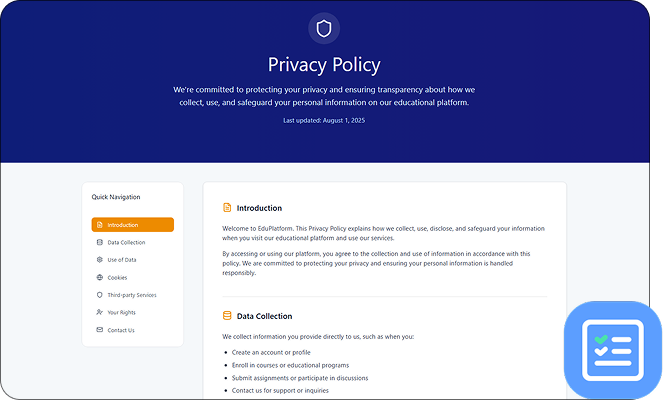
Führen Sie zuverlässige Aufzeichnungen über Richtlinien, Bedingungen und öffentliche Inhalte.
ArchiveKit ist ein Webarchivierungstool, mit dem Sie ganze Webseiten genau so speichern können, wie sie sind, einschließlich Layout, Medien und interaktiver Elemente, zur Offline-Nutzung.
ArchiveKit unterstützt die meisten modernen Websites, einschließlich dynamischer und JavaScript-intensiver Seiten.
Die Dateien werden lokal oder an Ihrem gewählten Speicherort gespeichert.
Ja, ArchiveKit speichert Seiten zur Offline-Nutzung und gewährleistet so den Zugriff auch dann, wenn die Originalinhalte entfernt werden.
Absolut. Nutzen Sie Ordner und die Suchfunktion, um Ihre Archive effizient zu verwalten und zu strukturieren.
Archivieren Sie ganze Webseiten in Sekundenschnelle, halten Sie sie übersichtlich und finden Sie dank leistungsstarker Suchfunktionen sofort alles.