ArchiveKit
Archive any webpage, exactly as it is.
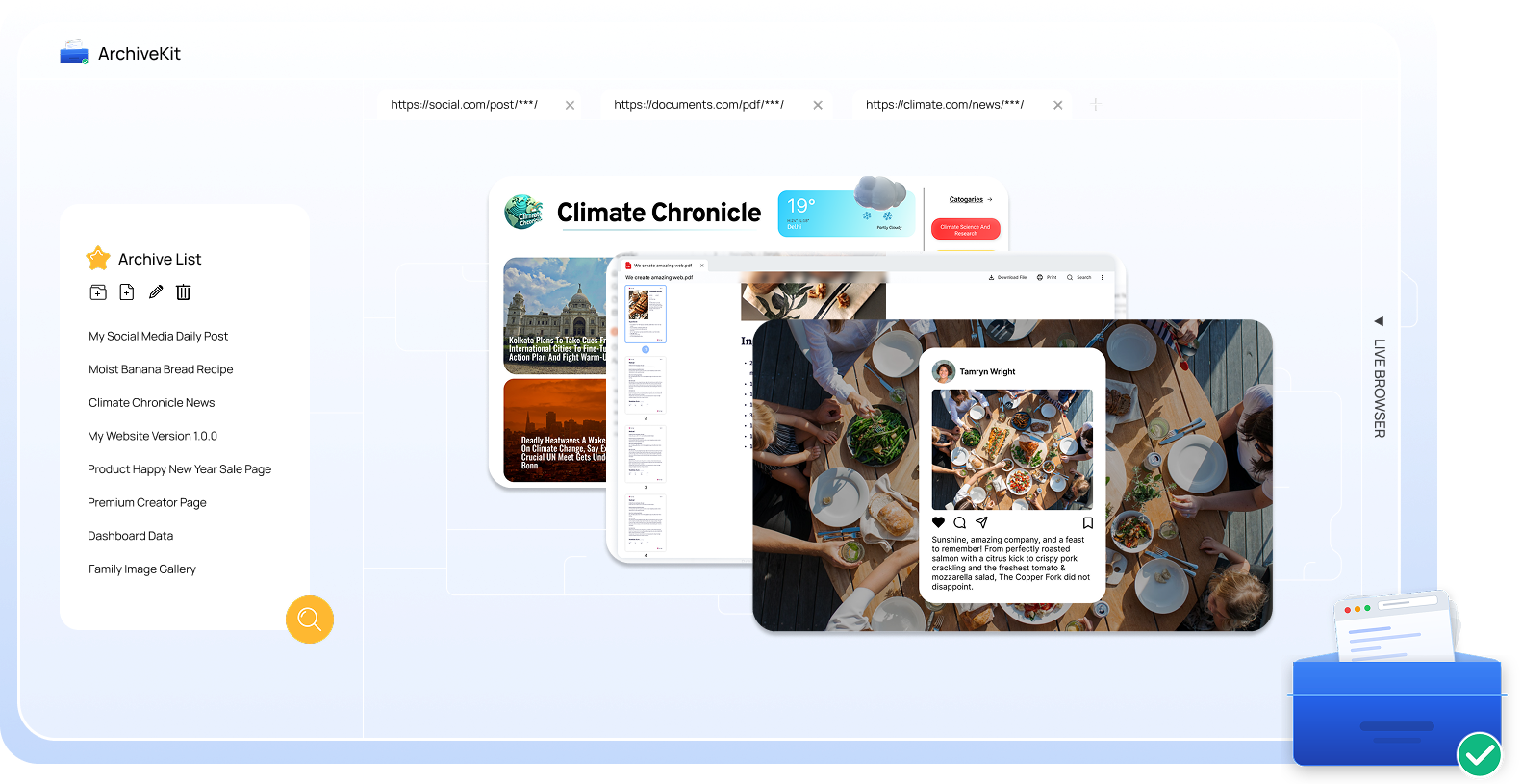
All-in-one: capture, organize, and search fully functional webpages with every detail preserved for access anytime.
Funktioniert auf:
Powerful Features, Built for Web Archiving
Everything you need to capture, organize, and search webpages with accuracy, speed, and ease.

One-Click Full Page Saving
Capture entire webpages instantly with a single click — no manual steps, no missing elements. ArchiveKit captures each page with high accuracy, preserving how it looks and feels.
- Text content and formatting
- Images, GIFs, and visual assets
- CSS styles and design elements
- Fonts and typography
- Page layout and structure
- Embedded elements and media context
Preserve Dynamic Content
ArchiveKit goes beyond static page capture — it preserves dynamic
and interactive content as part of the archived webpage.
and interactive content as part of the archived webpage.


Search Your Archived Pages Instantly
Quickly find saved pages using keyword-based search across titles and page content.
Everything you’ve archived, right at your fingertips.
Everything you’ve archived, right at your fingertips.
What Can ArchiveKit Be Used For?

Social Media Page Backup
Save entire social pages before content is edited or removed.

Research & Reference Collection
Build a searchable library of news, articles and resources.

Educational Resources Archive
Save tutorials and learning materials for anytime access.

Competitive Tracking
Track and compare your competitor pages over time.

Design Inspiration
Collect and organize UI, landing pages, and creative ideas.
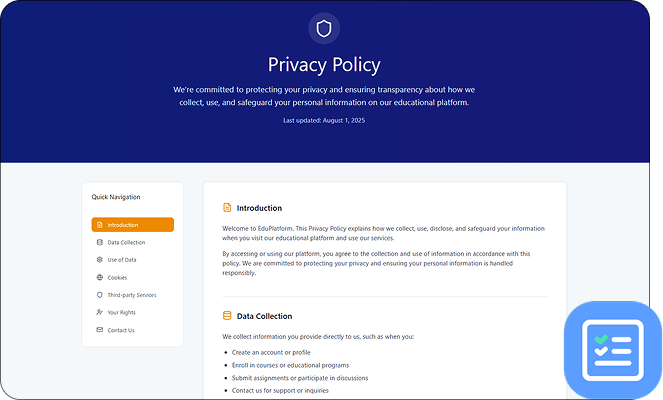
Legal & Compliance Records
Keep reliable records of policies, terms, and public content.
How to Archive Pages with ArchiveKit?
Schritt 1:
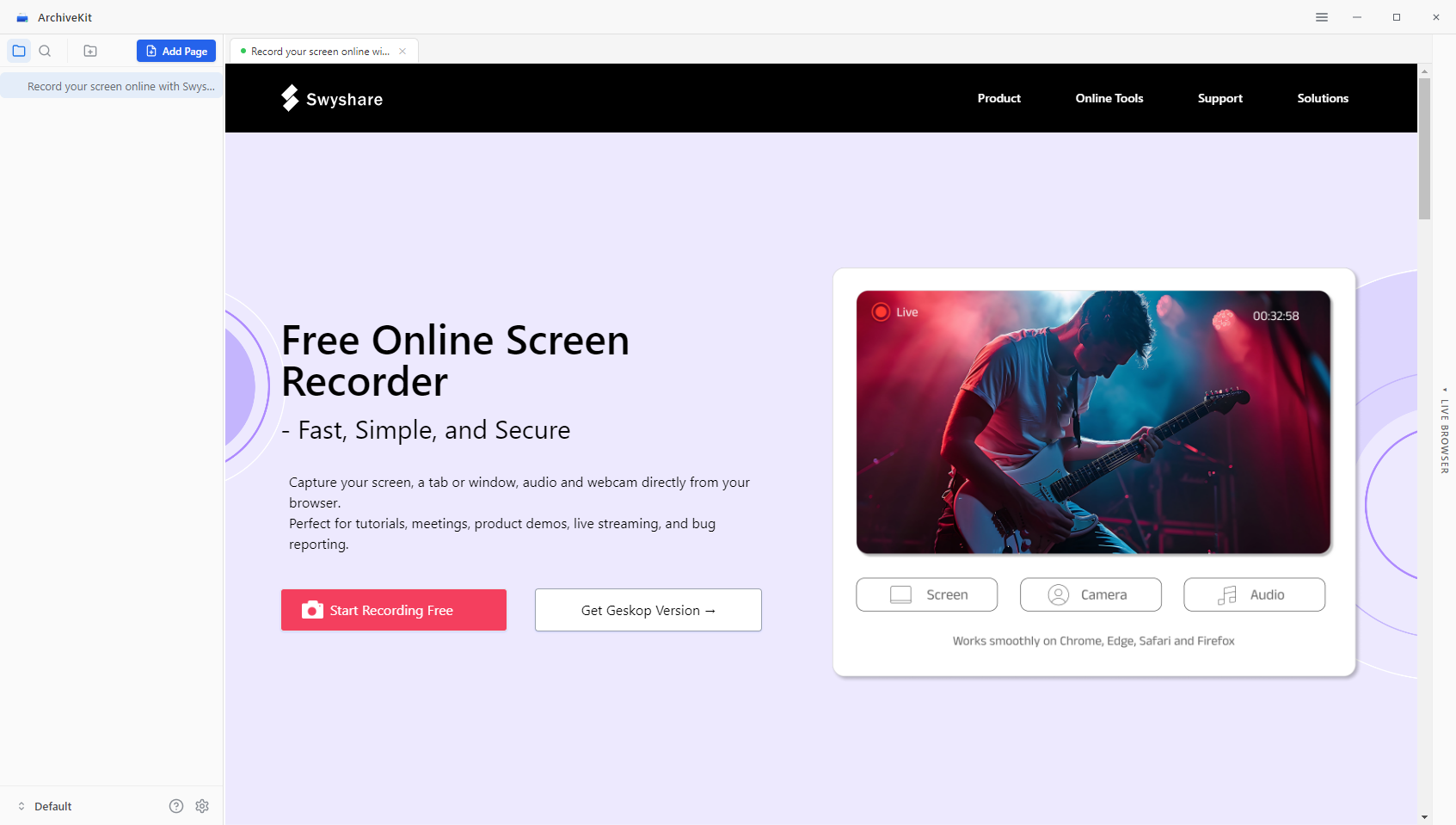
Open the webpage you want to archive and copy it with one click.
Schritt 2:
Open the page inside ArchiveKit, scroll to load images, styles, and dynamic content.
Schritt 3:
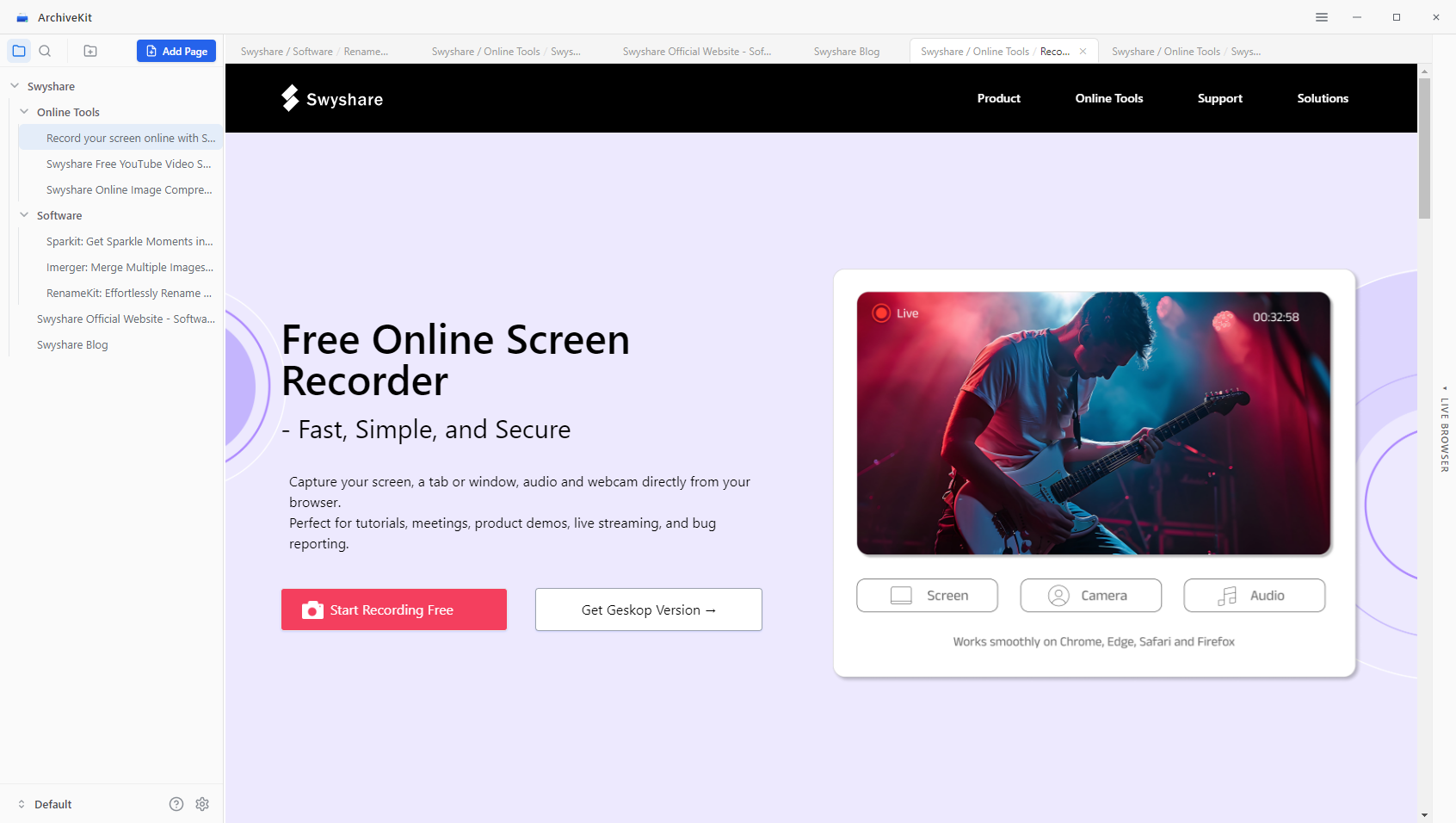
Organize your archived content for quick and easy offline access.
FAQs

Q: Can ArchiveKit save login-protected pages? ⌄
A: ArchiveKit is a web archiving tool that lets you save full webpages exactly as they are, including layout, media, and interactive elements for offline use.
Q: Does it support all websites? ⌄
A: ArchiveKit supports most modern websites, including dynamic and JavaScript-heavy pages.
Q: Where are files stored? ⌄
A: Files are stored locally or in your chosen storage location.
Q: Will archived pages still work if the original site goes offline? ⌄
A: Yes, ArchiveKit preserves pages for offline use, ensuring access even if the original content is removed.
Q: Can I organize large numbers of saved pages? ⌄
A: Absolutely. Use folders and search feature to manage and structure your archives efficiently.
Get Started With ArchiveKit Today
Archive full webpages in seconds, keep them organized, and find anything instantly
with powerful search.
with powerful search.
Funktioniert auf: